How to build a horse racing odds comparison
A practical guide to structuring per-runner odds grids, labelling bookmakers, sorting observed prices, and updating shared snapshots with RacingAPI.net.
Published 30 Oct 2026Updated 30 Oct 20267 min read
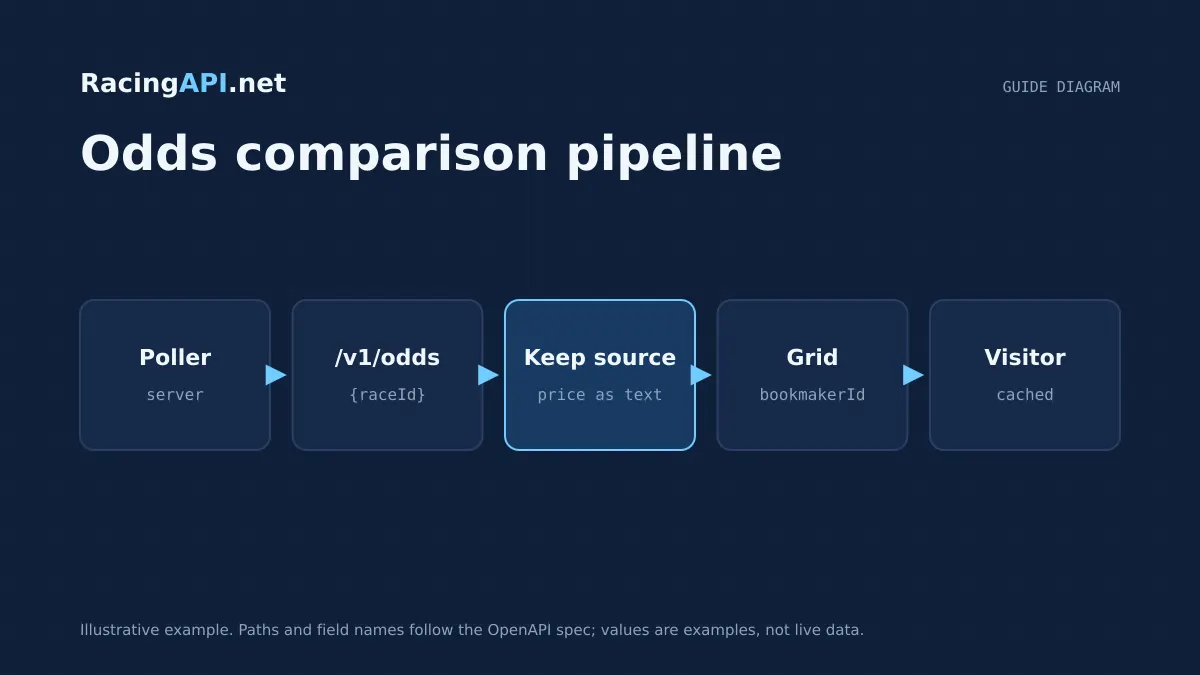
A useful odds comparison starts with a stable race and runner structure, then layers in observed bookmaker prices without mixing in assumptions. With RacingAPI.net, the core pattern is simple: use racecards to identify the race and declared runners, then request /v1/odds/{raceId} to build a per-runner grid from the observed prices returned for that race.
The main design challenge is not fetching numbers, but keeping them comparable. You need consistent bookmaker labels, a clear way to group multiple prices for the same runner, and a snapshot strategy that lets users see current prices without stale or duplicated rows. This guide focuses on the architecture that makes those pieces work together.
Try the documented request
Use the race ID from the matching racecard. Keep bookmaker identity and the supplied price observation time alongside the odds.
# Set RACINGAPI_KEY on your server; use IDs returned by the feed.
# FEED_DATE must be YYYY-MM-DD in the feed context you want.
curl --fail-with-body --max-time 15 --get \
  "https://racingapi.net/v1/odds/${RACE_ID}" \
  -H "X-API-Key: ${RACINGAPI_KEY}" \
  --data-urlencode "region=uk" \
  --data-urlencode "date=${FEED_DATE}" \
  -H "Accept: application/json"
Run this on your server, not in public browser code. Replace the environment variables before running it. Respect the response cache headers and Retry-After; do not retry failed requests without a limit.
Start with a race-centred data model
Build the comparison around the race, not around bookmakers. That keeps the interface aligned to how users think: one race, many runners, many observed prices. A good internal model begins with the race identifier from the racecard feed, then attaches the runner list and any race metadata you want to display beside the grid, such as course, time and distance.
Once the race exists as the parent object, each runner becomes a row in the comparison table. The odds endpoint supplies raceId, horseId, bookmaker, bookmakerId, price and eachWay, so your storage layer should be able to attach several price observations to one runner without overwriting earlier observations unless your refresh policy says otherwise.
- Use raceId as the top-level grouping key.
- Keep runner rows separate from price observations.
- Store bookmakerId and bookmaker together so the label can be shown and reconciled.
- Treat eachWay as a property of the price observation, not of the runner.
Group prices by runner before rendering
The comparison should not be drawn directly from the raw feed. First, group all observations by horseId so every runner gets a single row with a price cluster beneath it. That lets you show the best available observed price, the contributing bookmakers, and any each-way variants without scattering the same runner across the page.
For a clean experience, derive the visible row from the grouped data rather than from the incoming order. If the feed returns several prices for a runner, sort them inside the runner group before display. A simple approach is to show the most useful price first, then the remaining observed prices in a secondary list or compact cell. That keeps the grid readable on mobile and desktop alike.
- Group by horseId, not by price string.
- Preserve all valid observations inside the runner group.
- Choose one display price per runner, then keep the rest accessible.
- Do not let bookmaker order dictate row order.
Normalise bookmaker labelling
Bookmaker labels should be stable and human-readable, even when the raw feed uses a source-specific name or identifier. Use bookmakerId as the canonical key for deduplication, then render the bookmaker name exactly as your product design requires. This is particularly important when the same source name appears in different casing, abbreviations or punctuation styles.
If you want users to compare prices across sessions, the label must remain consistent over time. That means the label mapper should live in one shared layer rather than being redefined in each page component. The safest pattern is a single bookmaker dictionary keyed by bookmakerId, with a fallback to the provided bookmaker string when no mapped display name exists. This avoids accidental renaming that would make a snapshot look like a new source.
- Use bookmakerId as the deduplication key.
- Render a single display label per bookmaker source.
- Keep mapping logic in one shared service or utility.
- Fallback gracefully when only the bookmaker string is available.
Sort valid prices and ignore noise
Odds comparison becomes unreliable when invalid or malformed prices are allowed into the grid. Keep a strict validation step before sorting. Your grid should only contain prices that can be displayed as observed values, and it should preserve the source price string exactly as returned by the feed. Do not rewrite the price into a synthetic format just to make the table look uniform.
After validation, sort the prices in a consistent way. You may choose alphabetical bookmaker order for browsing, or a price-first order if the goal is to surface the most competitive observation. The important part is consistency. If you sort by price, make sure the same rule is used in every refresh so the runner rows do not jump unnecessarily. If a runner has only one valid observed price, show that plainly rather than forcing the data through a comparison layout that implies more coverage than exists.
- Reject malformed entries before they reach the UI.
- Preserve the observed source price string.
- Use one consistent sort rule across refreshes.
- Do not imply bookmaker coverage that the feed has not returned.
Build comparable observed times
Users need to know when a price was observed, but timestamps only help if they are comparable across runners and refreshes. Store the feed timestamp at the snapshot level and, where available, keep per-observation timing metadata alongside the price. Then normalise all displayed times into one timezone and one format in the UI so a user can tell whether two runners were refreshed from the same snapshot or from different moments.
The key architectural point is separation: source time, stored time and display time should not be the same field. The source time is what the feed provided, the stored time is what your service records, and the display time is what the user sees. That separation makes it easier to compare updates within a race without mixing current data with earlier snapshots.
- Keep snapshot time separate from per-price observation time.
- Display one consistent time format across the grid.
- Make it obvious when two rows share the same snapshot.
- Do not blur source timestamps into application-generated times.
Design the UI around comparison workflows
A comparison screen works best when it answers three questions quickly: who is running, what prices are observed, and which source is represented by each price. Start with the runner name and then present bookmaker labels and prices in a compact, scan-friendly grid. If you have space, add a separate column for eachWay so users can distinguish straight win prices from each-way observations without reading into the wrong figure.
Keep the interface honest about completeness. If a runner has no valid price observations yet, say so clearly rather than leaving a blank cell that looks broken. If a bookmaker returns only one observed price, show it as a single entry; if several prices are present, collapse them under the runner row so the table remains manageable. The goal is not to maximise density, but to preserve a readable comparison.
- Lead with runner identity, then price observations.
- Separate win and each-way views where it helps clarity.
- Show empty states explicitly.
- Collapse multiple observations only when the row remains readable.
Key takeaways
- Build the odds comparison around raceId and horseId so each runner has one clear row with grouped observations.
- Normalise bookmaker labels and preserve source price strings to keep the comparison stable and traceable.
- Use shared race snapshots and atomic refreshes so all users see the same current odds view at the same time.
Request-budget planner
Estimate calls from one shared server-side poller. Browser visitors should read your cache, not the API.
- Calls per day
- 1,800
- Calls per month
- 54,000
- Average rate
- 0.05 req/s
An estimate only. The average rate applies during active hours, not to bursts: space requests evenly to respect your per-second limit. Inputs are bounded to 1–86,400 seconds, 0–24 hours, 0–100 endpoints and 0–31 days. This excludes retries, detail fetches and other workers, and does not imply data freshness or plan entitlement. Compare allowances on the pricing page.
Frequently asked questions
Which RacingAPI.net endpoint should I use for the odds grid?
Use the race odds endpoint, /v1/odds/{raceId}, for the observed prices and pair it with the racecard feed so you know which runners belong in the comparison. The racecard gives you the race and declared runners, while the odds endpoint supplies the price observations for that race.
Should I group odds by bookmaker or by runner?
Group by runner first. That creates one comparison row per horse and lets you attach bookmaker observations inside the row. If you group by bookmaker first, you end up forcing users to mentally reconstruct the race from several separate lists.
How should I handle multiple prices for the same runner?
Keep all valid observations, then choose one display rule and apply it consistently. Most teams either surface the best visible price first or sort bookmaker labels alphabetically. The key is not to discard data unless it is invalid or duplicated by your own rules.
How do I make refreshes feel consistent across users?
Serve a shared snapshot for each race and replace it atomically when you refresh. That way, everyone viewing the same race sees the same version of the grid instead of a mixture of old and new rows.
Can I normalise the price strings into my own format?
You can normalise for sorting or display, but you should preserve the observed source price string in storage. That protects traceability and avoids rewriting the bookmaker's quoted form into something that no longer reflects the feed.
Sources and references
External references for background only; they do not endorse RacingAPI.net.
Related guides
All guides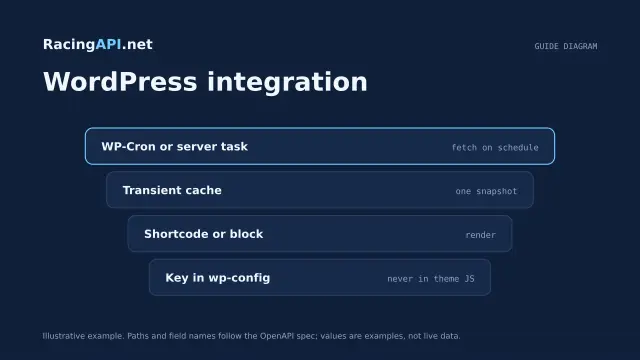 Website guides
Horse racing API for WordPress websites
Build a secure WordPress horse racing integration with server-side API calls, transient caching, escaped output and your own shortcode-driven pages.
 Website guides
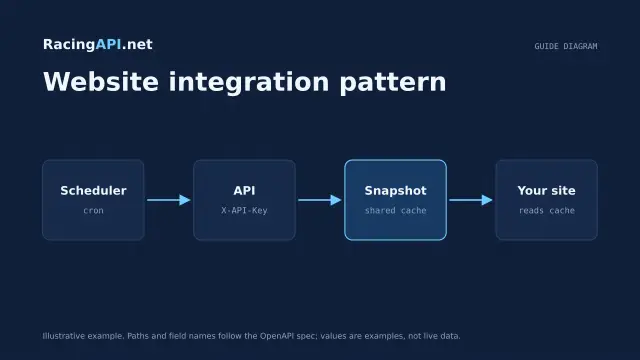
How to integrate a horse racing API into your website
Build a secure horse-racing website integration with RacingAPI.net: backend requests, cached page models, clear UI states, deployment checks and usage controls.
 AI & integrations
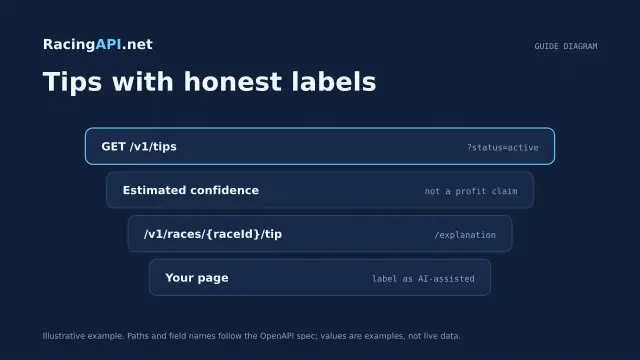
AI horse racing tips API: selections for your website
Build a website layer around Enterprise saved horse racing selections, with odds, confidence, EV, bet type and two-sentence explanations.