Horse racing silks API: add racing colours to your site
Use RacingAPI.net to serve authenticated racing-colour PNGs from your own backend, pair them with racecard IDs, and build a compact fallback-friendly display.
Published 30 Oct 2026Updated 30 Oct 20267 min read
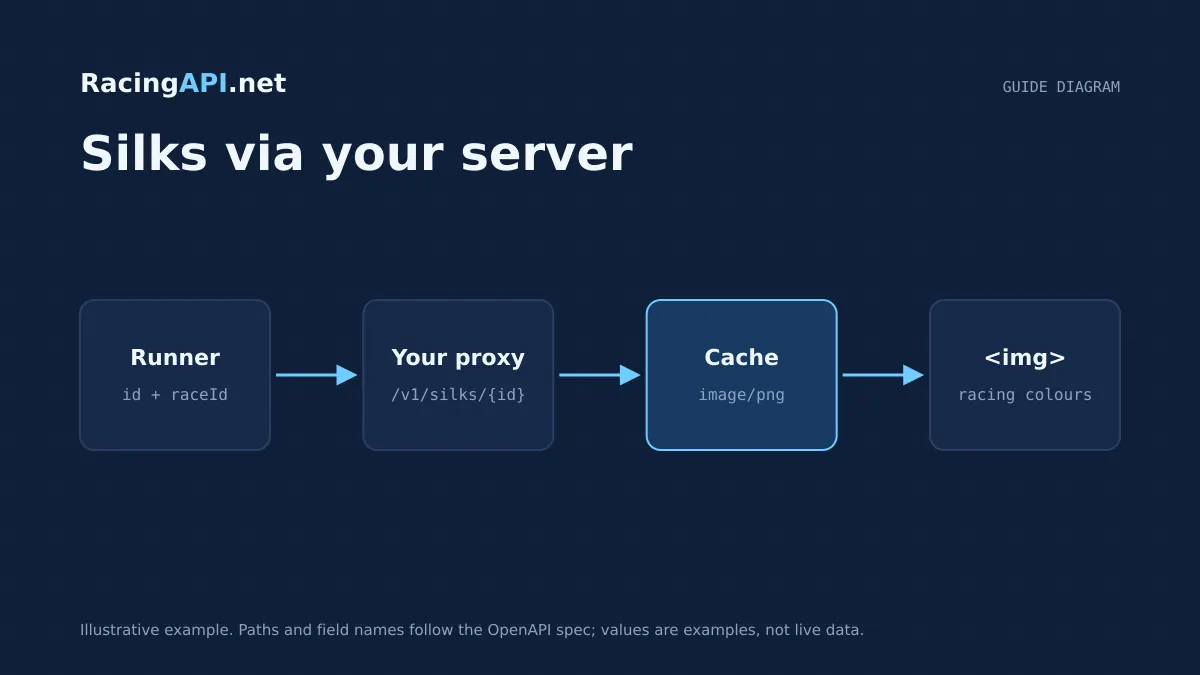
Horse racing silks are a small visual detail that does a lot of work. On a racecard, a clean swatch or icon helps users scan runners faster, especially on mobile where there is little space for long form labels. RacingAPI.net provides validated racing-colour PNGs for declared horse and race IDs, so you can keep the visual cue close to the runner without building your own image pipeline.
The important design choice is to treat silks as structured racecard imagery, not as portraits or generic assets. The endpoint is designed for authenticated use through your own server, and missing images should be handled as a normal case rather than an exception. That gives you a compact, accessible UI with a predictable fallback path when a particular silks image is unavailable.
Try the documented request
Supply the matching raceId and feed date. Proxy the returned image through your own server; an image tag cannot send your API-key header.
# Set RACINGAPI_KEY on your server; use IDs returned by the feed.
# FEED_DATE must be YYYY-MM-DD in the feed context you want.
curl --fail-with-body --max-time 15 --get \
  "https://racingapi.net/v1/silks/${HORSE_ID}" \
  -H "X-API-Key: ${RACINGAPI_KEY}" \
  --data-urlencode "region=uk" \
  --data-urlencode "date=${FEED_DATE}" \
  --data-urlencode "raceId=${RACE_ID}" \
  --output runner-silk.png
Run this on your server, not in public browser code. Replace the environment variables before running it. Respect the response cache headers and Retry-After; do not retry failed requests without a limit.
What the silks endpoint actually returns
The silks endpoint serves validated racing-colour PNGs, not photographs and not jockey or horse portraits. That distinction matters because the asset is meant to identify connections in a racecard, not to provide editorial imagery. If your interface needs a picture of the horse, this endpoint is the wrong source; if you need a small badge that matches the declared runner, it fits the job well.
Because the image is tied to declared IDs, it belongs in the same data flow as your racecard feed. In practice, you fetch the racecard first, then attach the silks asset to the relevant horse or race entries already present in that feed. That keeps your display consistent with the selected meeting and avoids inventing your own cross-feed matching logic.
Treat the file as a binary image response rather than a text payload with embedded metadata. Your application should request the image through your own backend, store no more than you need, and present the returned PNG directly in the UI. If the image is missing, the correct behaviour is a graceful fallback, not a broken card layout.
- Use it for racing colours only, not portraits.
- Link the image to declared horse and race IDs from the same racecard context.
- Expect a binary PNG response and design your UI around that.
Keep authentication on your own server
Customer requests go to RacingAPI.net with the X-API-Key header, but that key should remain server side. The safest pattern is to have your application server call the silks endpoint on behalf of your front end, then return only the image bytes or a short-lived proxy response to the browser. That keeps your key out of client code and aligns with the intended access model.
If you expose image URLs directly in public HTML, you risk leaking your credentials or making it harder to control access. A server-mediated fetch lets you enforce your own session rules, cache policy and logging, while still presenting a straightforward image tag to the browser. For most sites, that is the simplest way to keep the implementation tidy.
This approach also makes it easier to rotate keys without changing client code. Your front end only knows that an image can be requested for a runner; your server knows how to authenticate to RacingAPI.net. The separation is especially useful if you later decide to add other racecard elements, because the same backend pattern can handle them consistently.
- Send X-API-Key from server to RacingAPI.net, not from the browser.
- Proxy or relay the PNG through your own backend.
- Keep client code focused on display, not authentication.
Build a compact, accessible racecard UI
Silks are most effective when they are small and predictable. Use them beside the runner name, draw or saddlecloth position, but keep the name text primary. A compact image should support scanning, not replace the textual label. If a user cannot see the colour, the runner information still needs to make sense.
For accessibility, provide meaningful alt text that reflects the racing-colour role rather than the image file itself. A short label such as racing colours for Horse Name is more useful than a filename or generic image description. If the silks are purely decorative because the runner is already clearly identified nearby, use an empty alt attribute and keep the accessible name on the text element.
The UI should also handle consistent sizing. Silks vary in visual complexity, but your layout should not. Constrain width and height so each row stays aligned, and avoid letting one image distort a list item. This is particularly important in mobile racecards where line height, touch targets and reading order all compete for space.
- Keep runner text primary and use silks as a supporting cue.
- Use concise, meaningful alt text where the image conveys information.
- Fix the display size so the list remains aligned across runners.
Use image fallbacks that do not break the card
Missing images are normal in a live racing workflow, so your card should be designed to degrade cleanly. The silks endpoint may return 404 when an image is unavailable, and that should map to a visual fallback such as a neutral placeholder badge, initials or a simple empty slot. Users should never lose the runner row because one image cannot be resolved.
It is better to keep the card stable than to retry repeatedly in the browser. If a runner has no silks response, mark that state in your server response and render the fallback immediately. That avoids noisy client errors and keeps the list performant, especially when a race has many declared runners.
If you cache the fallback state, be careful not to make it sticky beyond the current feed. A missing image for one racecard does not imply the same result for a later feed update, so scope any cached decision to the same race and feed context. That preserves accuracy without adding unnecessary request churn.
- Treat 404 as a normal image-missing case.
- Render a placeholder rather than breaking the row.
- Scope fallback state to the current racecard feed.
How silks fit with race and horse linking
The clearest implementation is to start from the racecard, then attach silks to the runners already listed there. The endpoint catalogue includes racecards, race details and horse profile endpoints, which means you can keep the visual asset in the same data model as the rest of the meeting. That reduces the risk of showing the wrong image for the wrong runner.
When you build the list, treat race ID and horse ID as distinct but related identifiers. The race tells you which set of declared runners belongs together, while the horse ID lets you attach runner-specific detail. Silks should follow that same linkage logic, so the image appears only where the matching runner is present in the current feed.
This matters if you show multiple views of the same meeting, such as an overview list and a race detail page. You do not need a separate image strategy for each view; you need one consistent mapping from the daily feed into the UI. Once that is in place, the same silks asset can support both compact summaries and deeper race pages.
A practical implementation pattern
A sensible pattern is: fetch the racecard server side, read the declared runners, request the matching silks asset when needed, then return a small internal payload to the browser that includes the image source or fallback flag. This keeps the browser simple and lets your server decide whether to proxy, cache or substitute the image.
If you cache responses, remember that image reuse should not expose personal data in shared caches, and response reuse should respect the current race context. That is especially important if you are serving multiple users from the same application instance. A public cache key should be based on the racecard identity, not on a user-specific session.
The end result should feel invisible to the user: the runner row loads once, the colour image appears when available, and the layout remains stable when it is not. That is the right balance for a racing site. The silks are there to improve scanning, not to add complexity to the page.
- Fetch racecard data first, then resolve the matching image.
- Keep cache keys tied to the current race context.
- Make the browser consume a simple image-or-fallback decision.
Key takeaways
- Use silks as racing-colour PNGs, not portraits, and link them to runners already present in the racecard feed.
- Keep the X-API-Key on your own server, then proxy or relay the image so the browser never handles credentials.
- Design for missing images from the start: a stable fallback is better than a broken racecard row.
Integration checklist
0/10 completeFrequently asked questions
Are RacingAPI.net silks horse or jockey portraits?
No. The silks endpoint returns validated racing-colour PNGs only. It is intended for racecard identification, so it should be used as a small visual cue next to a declared runner, not as a portrait image or general media asset.
Should I call the silks endpoint from the browser?
It is better to call it from your own server. Customer requests use RacingAPI.net with an X-API-Key header, and the key should stay server side. A backend proxy keeps credentials out of client code and gives you control over caching and fallbacks.
How do I handle a missing silks image?
Treat it as a normal fallback case. If the endpoint returns 404, render a placeholder, initials or an empty slot and keep the row intact. Do not break the racecard or retry indefinitely in the browser.
How do silks relate to the racecard feed?
Use the racecard as the source of truth for declared runners, then attach the silks image to the matching horse or race entry from that same feed. That keeps the image aligned with the correct meeting and prevents mismatches between runners and artwork.
Can I use silks without changing the rest of my racecard UI?
Yes. Silks are easiest to add as a compact supporting element beside existing runner text. If your list already has a stable layout, you can slot in the PNG and keep the text primary, with an accessible fallback for rows where the image is unavailable.
Related guides
All guides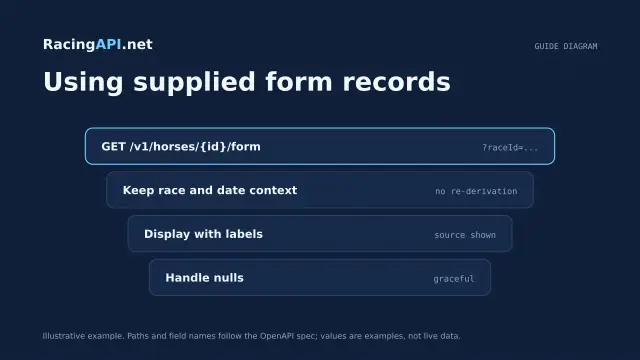 Racing data
Horse form and statistics API: using supplied records
Learn how to read RacingAPI.net horse form and statistics as supplied daily-feed summaries, with sensible handling of missing values, sample size and regional context.
 Racing data
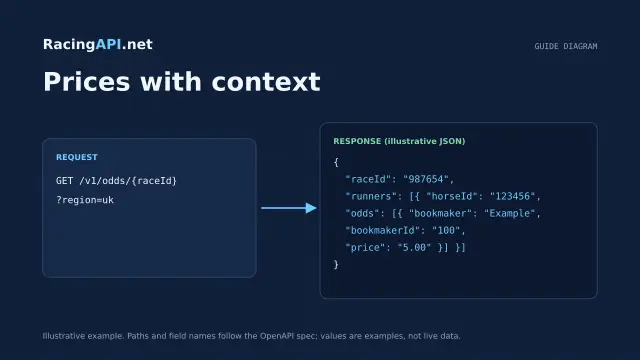
Horse racing odds API: prices with context
Learn how RacingAPI.net delivers observed horse racing odds with timestamps, price formats, missing-price handling and useful context for own-site comparison.
 Racing data
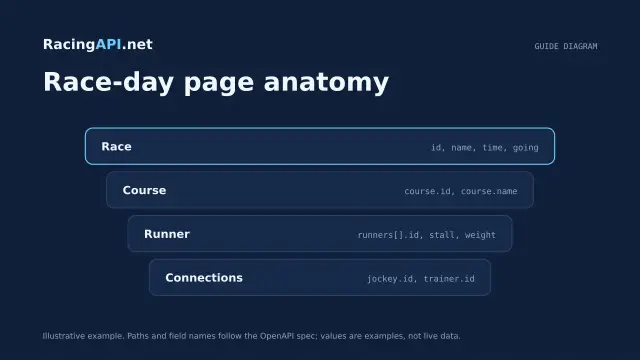
Horse racing racecards API: building a race-day page
Build a race-day page with meeting, race and runner data, careful declaration handling, and reliable detail fetching from RacingAPI.net.