Racecourse going and track conditions API
Learn how RacingAPI.net returns racecourse going and track context, how to handle timestamped updates, and why weather data must stay separate from official going.
Published 30 Oct 2026Updated 30 Oct 20266 min read
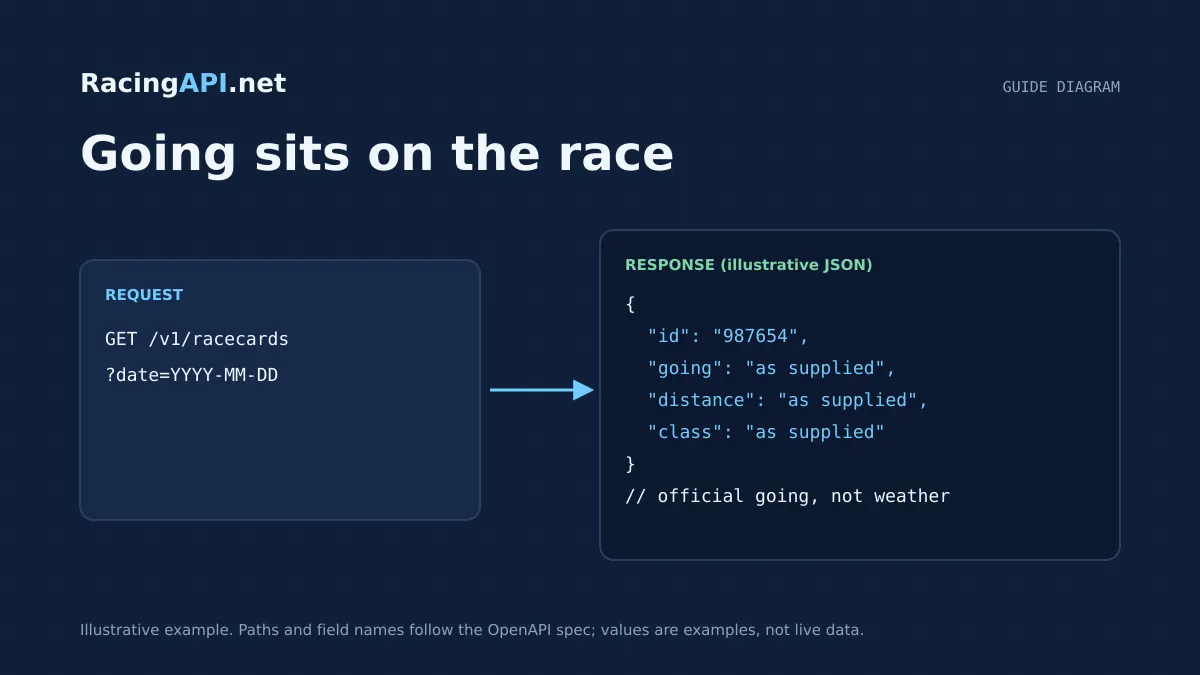
Racecourse going is best treated as race context, not a weather estimate. RacingAPI.net supplies going where it is present in the racecourse and race feed, alongside track-specific details such as course identity, surface context and timing. For an application, the important task is to store the going value exactly as returned, together with the feed timestamp, rather than inferring a surface from rainfall or temperature.
This matters because the platform also provides a separate course-weather endpoint. That weather feed is useful for display and operational context, but it is not a substitute for official going. If you need to show a racecard, compare meetings, or refresh a cached screen without inventing track conditions, keep the two sources distinct and use the supplied race and course records as your source of truth.
Try the documented request
Start with the combined UK and Ireland racecards. Reuse returned IDs and the selected feed date for related race, result, odds and runner requests.
# Set RACINGAPI_KEY on your server; use IDs returned by the feed.
# FEED_DATE must be YYYY-MM-DD in the feed context you want.
curl --fail-with-body --max-time 15 --get \
  "https://racingapi.net/v1/racecards" \
  -H "X-API-Key: ${RACINGAPI_KEY}" \
  --data-urlencode "region=uk" \
  --data-urlencode "date=${FEED_DATE}" \
  -H "Accept: application/json"
Run this on your server, not in public browser code. Replace the environment variables before running it. Respect the response cache headers and Retry-After; do not retry failed requests without a limit.
What going means in RacingAPI.net
In RacingAPI.net, going is part of the racecourse or race context returned by the feed when available. Treat it as a published descriptor of the track state for that meeting, not as a derived weather summary. The value may appear in racecards, race details, or course records depending on the endpoint and the feed snapshot you request.
The practical advantage of this approach is consistency. If you display a racecard for a meeting, the going should match the feed payload you received for that racecourse and date. Do not normalise it into a home-grown scale unless your own product explicitly needs one, and even then preserve the original text beside any internal mapping.
- Keep the returned going value unchanged in storage and display.
- Use the race or course record that supplied it as the authoritative context.
- Avoid turning rain, wind or temperature into a guessed going label.
Where to read going and track context
The most direct places to look are the racecards and racecourse endpoints. The racecards feed includes meeting-level race information and can include going in the response fields. Racecourse details can also provide the course and its races from the selected feed, which is useful when you want to group multiple races by venue rather than by individual race.
For a specific race, /v1/races/{id} gives you the race record from a region-and-date feed. That is the best place to anchor a page that needs a single track condition for one event. If your interface starts from a course page, /v1/racecourses/{id} can supply the course context and its races from that same feed perspective.
- Use /v1/racecards for meeting-level cards and declared runners.
- Use /v1/races/{id} for one race and its declared runners.
- Use /v1/racecourses/{id} when you need the course and its listed races together.
Handling surface differences without inventing conditions
Different meetings may run on different surfaces, and your UI should preserve the distinction instead of smoothing it away. If a feed item includes surface-related context, present it as part of the race description or course summary. That is especially important when comparing meetings on the same day, because two venues can sit under similar weather while still carrying different track states.
RacingAPI.net does not ask you to infer the surface condition from rainfall or temperature, and that restraint is deliberate. A rainy forecast does not automatically mean soft going, and dry weather does not guarantee fast conditions. If you want a user-facing summary, build it from the returned course and race context rather than from assumptions.
- Do not map weather directly to an inferred going label.
- Show surface context only when it is present in the race or course feed.
- Keep race-by-race conditions separate from general venue descriptions.
Using timestamped updates safely
Going can change during the day, so the timestamp attached to the feed matters. When your application refreshes a racecard or course page, store the time the API response was generated or received and show it alongside the going. That way your users can see whether a track condition came from an early preview or a later update closer to the off.
For front-end performance, cached responses can help reduce repeated requests, but do not let shared caches mix personalised data or stale race state between users. Cache deliberately, revalidate when needed, and treat the feed timestamp as part of the data contract. If you are displaying a mutable condition like going, a clear last-updated indicator is more useful than pretending the value is static.
- Record response time or feed timestamp with the going value.
- Refresh pages when a later feed snapshot arrives.
- Use cached data carefully so one user does not see another user’s stale state.
Distinguishing going from weather
RacingAPI.net provides a separate course-weather endpoint at /v1/racecourses/{id}/weather. That feed returns UK and Irish course-location forecasts, with temperature, rainfall, wind and humidity, and it is available on every plan. It is valuable for operational context and for users who want to know what conditions may be developing around the venue.
However, weather is not official going. If you surface both on the same page, label them clearly and keep them in different UI fields. The weather feed should never overwrite the going returned by the race or course feed, and it should never be used as a shortcut for a track-condition prediction.
- Use weather as context, not as a proxy for going.
- Retain the weather attribution supplied by the API.
- Keep the two values separate in storage, display and logic.
A practical implementation pattern
A clean implementation usually has three layers: the raw feed response, a normalised race view, and a presentation layer. The raw response should retain the exact going text, the race or course identifier, and the timestamp. The normalised layer can attach a human-readable label such as 'current going' or 'course weather', but it should not rewrite the underlying condition.
For users, the most helpful display is simple: the race name, the course, the official going if present, and a separate weather snapshot if you are showing it. That gives a complete picture without blending two different data sources. If you later add analytics, you can compare feed snapshots over time, but you should still keep each update tied to its own timestamp.
- Store raw going text, not only a derived label.
- Display official going and forecast weather in separate fields.
- Preserve timestamps so updates can be audited or re-rendered later.
Key takeaways
- Treat going as official race context, not as a weather prediction.
- Use racecards, race details and racecourse records to capture the supplied condition with its timestamp.
- Keep forecast weather separate from going so your app never guesses track conditions from rain.
Feed-family explorer
What each family covers, with links to the documentation that defines it. Plan availability is listed on the pricing page.
Racecards
All plans- UK and Irish meetings, races and declared runners
- Supplied identifiers for joining detail requests
- Going, distance and race context as supplied
Frequently asked questions
Can I estimate going from the weather endpoint?
No. The weather endpoint is separate and should be treated as context only. It can help a user understand conditions around the course, but it must not replace the official going returned in race or racecourse data. Rainfall and temperature are not reliable enough to infer a track label.
Which endpoint should I use for course conditions on a racecard?
Start with /v1/racecards for the meeting, then use /v1/racecourses/{id} or /v1/races/{id} when you need the course or race-specific view. Those records are better suited to official going because they tie the condition to the relevant race context rather than a generic venue summary.
Why does the timestamp matter for going?
Going can change during the day, so the timestamp shows which feed snapshot you are displaying. That is important for racecards and live pages because users need to know whether the condition reflects an early declaration or a later update closer to the off.
Should I overwrite going with weather in my database?
No. Keep them as separate fields. Store the official going exactly as supplied by the race or course feed, and store weather as its own forecast record from /v1/racecourses/{id}/weather. Mixing them makes it harder to explain changes and easier to mislead users.
Related guides
All guides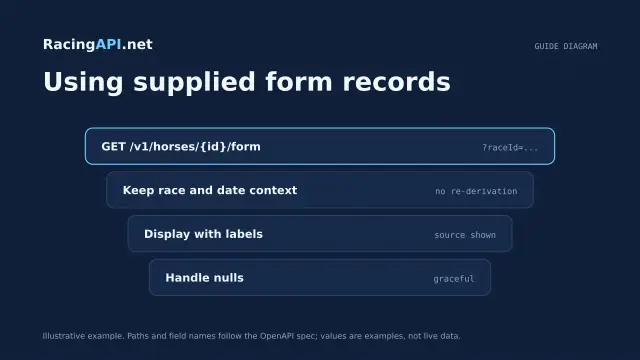 Racing data
Horse form and statistics API: using supplied records
Learn how to read RacingAPI.net horse form and statistics as supplied daily-feed summaries, with sensible handling of missing values, sample size and regional context.
 Racing data
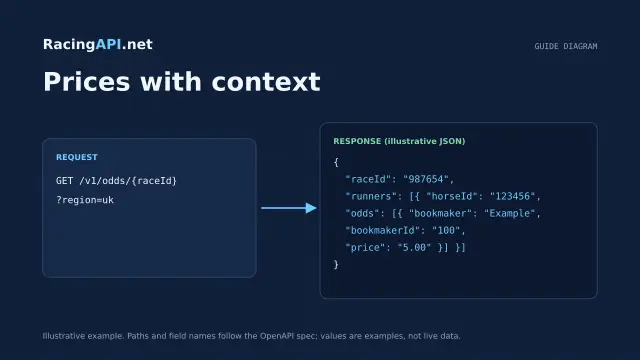
Horse racing odds API: prices with context
Learn how RacingAPI.net delivers observed horse racing odds with timestamps, price formats, missing-price handling and useful context for own-site comparison.
 Racing data
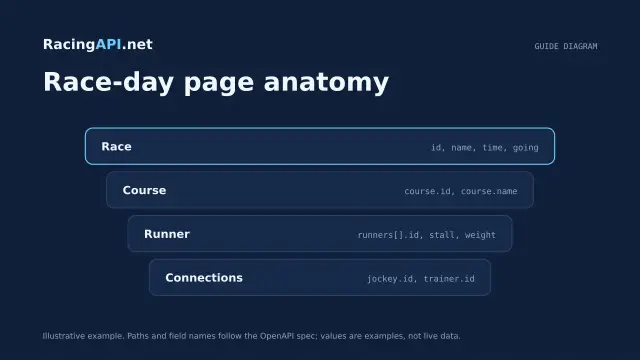
Horse racing racecards API: building a race-day page
Build a race-day page with meeting, race and runner data, careful declaration handling, and reliable detail fetching from RacingAPI.net.